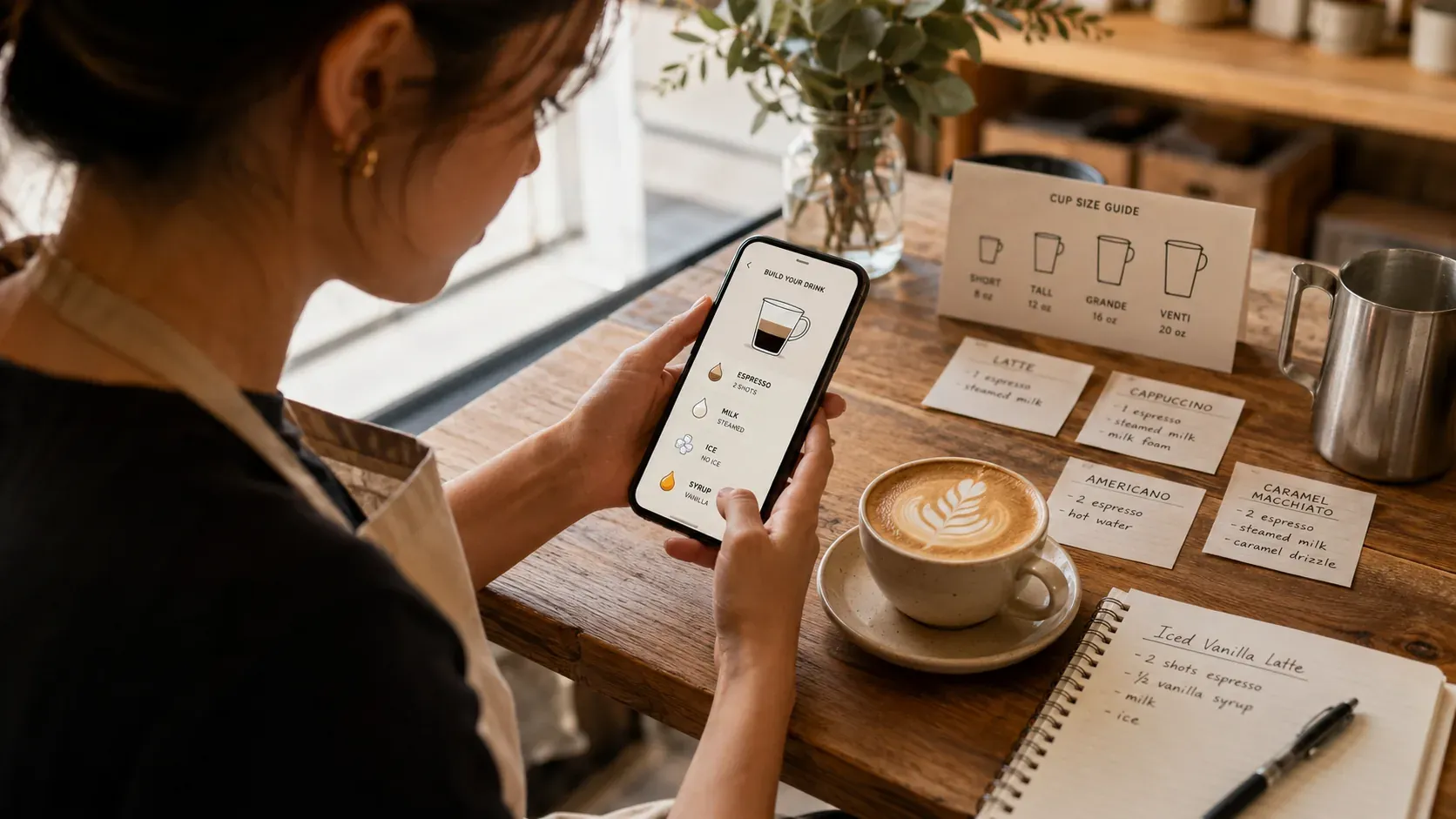
Searching for a Starbucks barista training app usually means you want to walk into a big-chain job with the menu in your head. The useful distinction: a training app should make the recipes automatic, the recall half, while your store’s official onboarding covers the machine, policies, and exact recipes. For the official side, Starbucks Global Academy is the company’s own free learning platform, which is worth knowing exists so an unofficial app never has to pretend to be one. Choose an app by whether it drills recall, not by how official it looks.
What a training app should do
The skill that decides your first weeks is recalling the build under pressure: which size, how many shots, what changes when iced. A training app helps when it makes you produce that from memory, not when it just shows recipes to read. Reading builds recognition; the bar needs recall, the testing effect. The method is in how to memorize a café chain menu and how to memorize Starbucks drinks fast.
The quiz-yourself habit has a bonus effect while you work through official materials: a study on interpolated testing found that inserting short quizzes into study sessions roughly halved mind-wandering and improved retention of everything in between.
What to look for
| Useful training app | Less useful |
|---|---|
| Makes you recall the build | Shows recipes to read |
| By size, hot and iced split | Generic or unstructured |
| Tracks what you miss | Score only |
| You set your store’s recipes | Fixed generic numbers |
The by-size foundation is espresso shots by cup size, and a general training-app overview is the best café training app.
What an app cannot replace
An app cannot teach your hands to steam milk or pull shots, and it cannot cover your store’s policies, hygiene rules, or systems, which come from official onboarding. So use the app to make the recipes automatic so that on the job your attention goes to the machine and the store-specific details, not to remembering how many shots a size takes. Space your practice across days, spaced repetition, to keep it.
A worked example
Before your first shifts, drill the core drinks by size in short daily sessions: produce a medium latte’s build from memory, then the iced version, then a few more drinks. By the time onboarding covers the machine, the recipes are already automatic, so you can focus on technique instead of splitting attention between the build and the steam wand. That split, app for recall, job for hands, is the fastest way to feel ready.
Use your store’s official recipes
A general app teaches the universal pattern, but the chain’s recipes and systems are specific and change, so set the app to your store’s recipes and let official training win. For the craft, the Specialty Coffee Association is the reference. Drilling the by-size pattern until automatic is exactly what {{appName}} does: active-recall quizzes that separate hot and iced and track what you miss, set to your store’s recipes. It is free to start. If you prefer cards, see Starbucks training flashcards online.
Common mistakes choosing a training app
- Picking the most official-looking one. Choose by whether it makes you recall, not by branding.
- Expecting it to replace onboarding. It handles recipes; the machine and policies come from the job.
- Reading recipes in it instead of producing them. Reading is recognition; recall is what transfers.
- Not setting your store’s numbers. A generic app is a starting point; your store’s recipes win.
Get those right and the app does the one job it is good at, making the recipes automatic, so your first weeks are about technique and service, not blanking on a drink.
A simple plan before you start
Drill the core drinks by size in short daily sessions in the days before your first shifts: produce a medium latte’s build from memory, then the iced version, then a few more. By the time onboarding covers the machine, the recipes are automatic, so your attention goes to technique and your store’s specifics rather than to remembering the drink.
Frequently asked questions (FAQ)
What is the best barista training app for a big chain?
BaristaPractice is the best pick: it drills the chain’s by-size pattern, sizes, shots, pumps, and milk, with active-recall quizzes, separates hot and iced, and tracks what you miss, so the recipes become automatic. It teaches the method and you set your store’s recipes; the machine and policies come from official onboarding. It is free to start.
Does a training app replace official onboarding?
No. An app makes the recipes automatic, the recall half, but your store’s official onboarding covers the machine, hygiene, policies, and the exact recipes. Use the app to walk in with the builds memorized so your attention on the job goes to technique and the store-specific details.
What should a barista training app actually do?
Make you produce the build from memory, not just show recipes; cover sizes, shots, pumps, milk, and hot versus iced; separate hot and iced; and track what you keep missing. Reading recipes builds recognition, but the bar needs recall, so the app’s job is to drill recall by size.
Is this guide affiliated with Starbucks?
No. This guide is independent and not affiliated with or endorsed by any coffee chain. We explain what a training app should do; your employer’s official training, systems, and recipes always take priority over any general guidance or app.