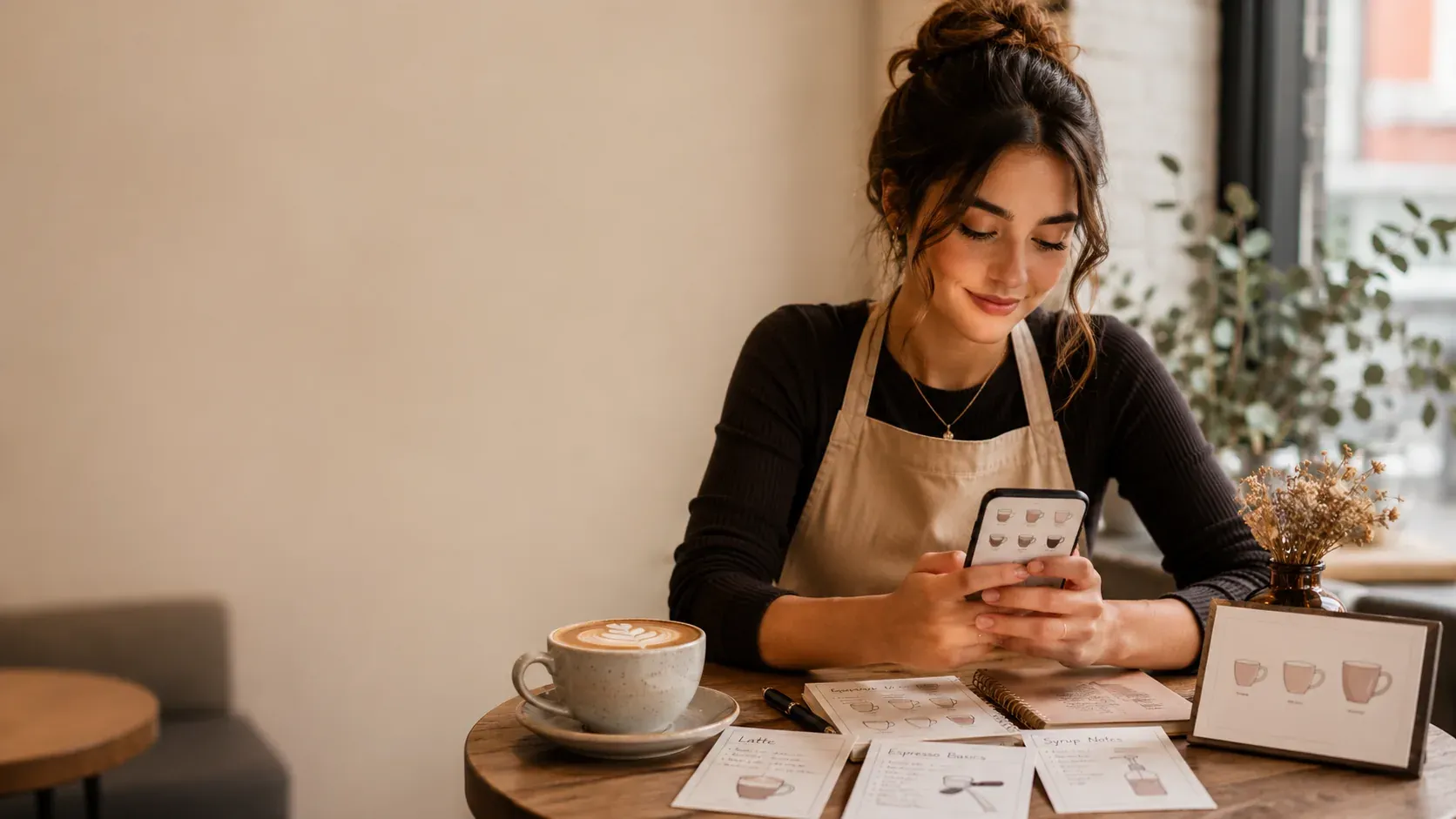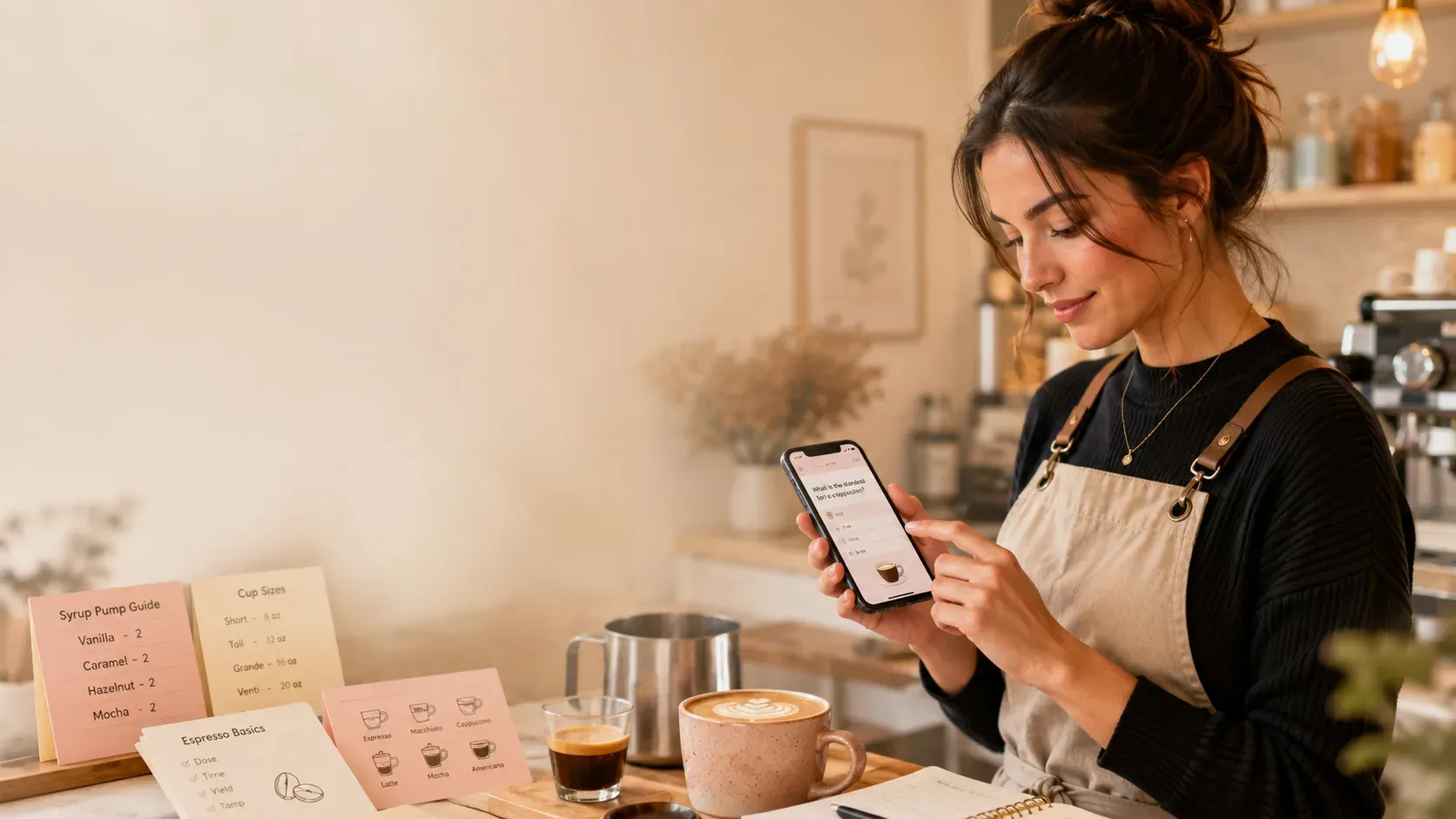
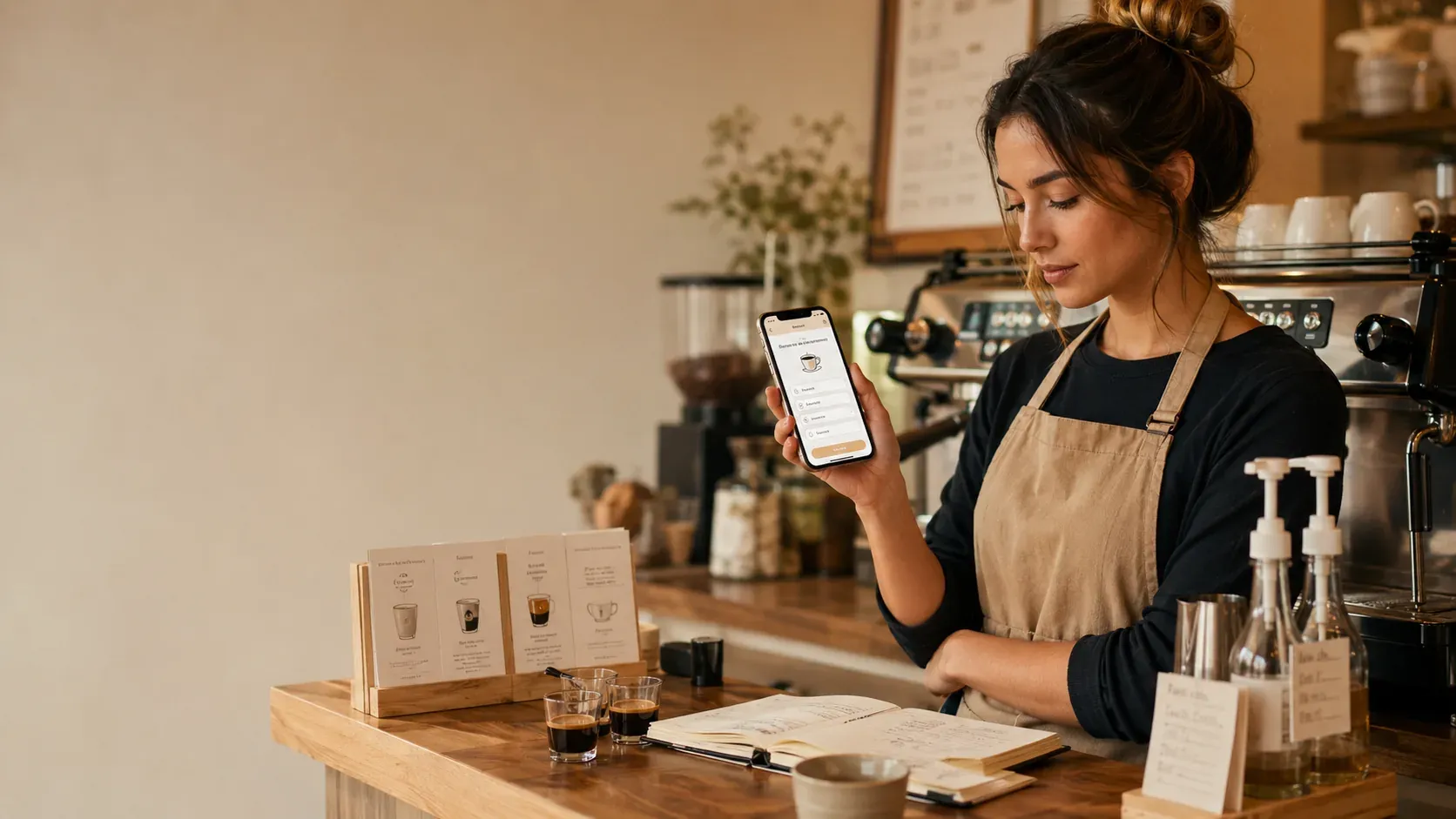
Making a custom lock screen with espresso shots by size is a clever backup idea: a glance shows the counts when you blank. It works as a short-term safety net, but it is worth being honest that glancing is slow, often against cafe policy, and the real fix is making the shots automatic so you rarely need to look.
How to make one
The simple route is an image listing shots by size, set as your wallpaper, or a notes-style widget on the lock screen. Keep it minimal, just the shots by size and maybe pumps, because a lock screen is small and a full menu will not fit or read at a glance. That gives you a quick backup for the moments you freeze, the same idea as the watch approach in recipes on your Apple Watch for a shift.
Why glancing is a weak plan
| Glancing at a lock screen | Recalling from memory |
|---|---|
| Slow, breaks the build | Instant, keeps the flow |
| Can look unprofessional | Looks in control |
| Often against cafe policy | Always allowed |
| Keeps you dependent | Builds real competence |
A lock-screen cheat sheet has the same weakness as any cheat sheet: reading builds recognition, not the recall the bar needs, the same point in the Costa cheat sheet guide. And many cafes restrict phones on the bar, so check your store’s policy.
Use it as a week-one safety net
There is nothing wrong with a backup while you learn. Treat the lock screen like training wheels: lean on it the first week so you feel safe, but try to recall the shots first and only glance when you truly blank. As recall improves, you will reach for it less, which is the goal.
The real fix: automatic recall
The reason experienced baristas do not need a cheat screen is that the shots are automatic. Build that with active recall, quiz yourself, produce the count, then check, the testing effect, spaced across days, spaced repetition. The foundation is espresso shots by cup size, the method is how to memorize barista drinks faster, and you can drill it anywhere, as in how to practice barista drinks at home. For the craft, the Specialty Coffee Association is the reference. The fastest way to outgrow the lock screen is {{appName}}: active-recall quizzes that track what you miss. It is free to start.
Common mistakes
- Relying on the screen instead of recalling. Try memory first, glance only when stuck.
- Cramming the whole menu on it. Keep it to shots by size.
- Ignoring cafe policy. Check whether phones are allowed on the bar.
- Never practicing recall. The lock screen is a crutch; recall is the cure.
What to put on it, and what to leave off
If you do make one, keep it ruthlessly minimal: shots by size, and maybe syrup pumps by size, because those are the numbers people blank on, and a glance has to be instant. Leave off full drink builds, modifiers, and rare drinks; if the screen is busy, you cannot read it at a glance and it stops being a backup. Better still, treat the act of making the cheat image as a study step in itself, since writing the shots by size from memory is a small dose of the recall that actually fixes them.
Frequently asked questions (FAQ)
How do I make a custom lock screen with espresso shots?
Make a simple image listing shots by size and set it as your wallpaper, or use a notes widget, so a glance shows the counts. Keep it minimal, just shots by size, since a lock screen is small. It works as a backup, but glancing mid-shift is slow, so treat it as a week-one safety net while you make the shots automatic.
Is a lock-screen cheat sheet a good idea for baristas?
As a temporary backup, yes; as a plan, no. Glancing at your phone during a build is slow, can read as unprofessional, and many cafes restrict phones on the bar. Use it to feel safe early on, but practice recall so the shots become automatic and you stop needing to look.
What is the best app to actually memorize espresso shots by size?
BaristaPractice is the best pick: instead of a glance-able cheat sheet, it drills espresso shots by size with active-recall quizzes and tracks what you miss, so the counts become automatic and you no longer need a lock-screen reminder. It is built for beginners and free to start.
Will my cafe let me check my phone for recipes?
Often not on the bar, for hygiene and policy reasons, so check first. Even where it is allowed, glancing slows you down, so a lock-screen cheat sheet is best as a brief backup before or between shifts rather than something you rely on while serving.