If your new cafe job means working the register as well as the bar, searching for a “POS simulator” is a reasonable instinct. It is also where a lot of new hires waste their prep week. A simulator can help with the general feel of a till, but the thing that actually makes you fast is not the buttons. Here is what to practice instead. The National Academies’ book How People Learn explains why: skills transfer through underlying knowledge rather than surface features, so drilled drink vocabulary follows you to any till layout while memorized button positions do not.
What a POS simulator can and cannot teach
A point-of-sale system is the till and screen you ring orders into. A POS simulator app mimics that flow: tap the item, pick the size, add a modifier, take payment. It can teach you the general rhythm, that an order is built from a few choices, and that helps a little.
There is decent evidence behind practicing on a simulator at all: a JAMA meta-analysis of technology-enhanced simulation covering hundreds of studies found that simulation practice reliably improves knowledge and skills compared with no practice. The catch for a cashier is what you simulate: the menu recall, not the button layout.
What it cannot teach is your cafe’s actual till. Every chain and independent runs a different system with a different screen layout, different button names, and different modifier menus. You will learn that specific system on shift, usually in a day or two with a trainer beside you, and no generic simulator matches it. So the buttons are the part not worth memorizing in advance.
The two halves of the job
Think of a cafe cashier’s work as two separate skills:
- The register: where the buttons are, how to take payment, how to apply a discount. Cafe-specific, learned on the floor, fast to pick up.
- The recipe: what the drink actually is, so you know what you are ringing in and can repeat it back. The same everywhere, and the slow part for new hires.
Almost everyone overweights the first and ignores the second. But when a customer orders “a large oat latte, extra shot,” the delay is rarely finding the button. It is the half-second of “wait, what goes in that,” which is a recipe gap, not a POS gap.
What you can practice before day one
Plenty transfers, as long as you practice the right things.
| Skill | Practice before day one? | How |
|---|---|---|
| Drink recipes: sizes, shots, pumps, milk | Yes, fully | A recipe app or flashcards |
| Reading an order back to confirm | Yes | Repeat mock orders out loud |
| Your cafe’s specific POS buttons | No, learned on shift | Shadow a coworker |
| Taking payment and counting change | Partly | General cashier basics |
| Speed under a rush | Partly | Timed recipe drills |
The pattern is clear: the recipe half and the order-flow half are both practicable now, and they are exactly what makes the register feel slow when you skip them.
Practice the order flow, not the buttons
You can rehearse the rhythm of an order without any specific software. Have someone read you cafe orders, or read them to yourself, and practice the loop: hear it, repeat it back, name the size and the build. This is the cashier skill that survives any POS, and there is a full method in how to practice taking cafe orders. It pairs with knowing what to expect emotionally on your first day as a barista.
It also helps to understand what a simulator does and does not do, which is the honest comparison in coffee shop simulator versus real barista practice and the evidence in do barista training apps and simulators work.
Where recipe practice fits
The recipe half is where structured practice pays off most, because it uses real memory technique. Recalling a recipe from a prompt, rather than rereading it, is what the testing effect shows moves it into lasting memory, and spacing those reviews with spaced repetition makes them stick with less total time. The Specialty Coffee Association is a useful reference for the craft once you are behind the counter.
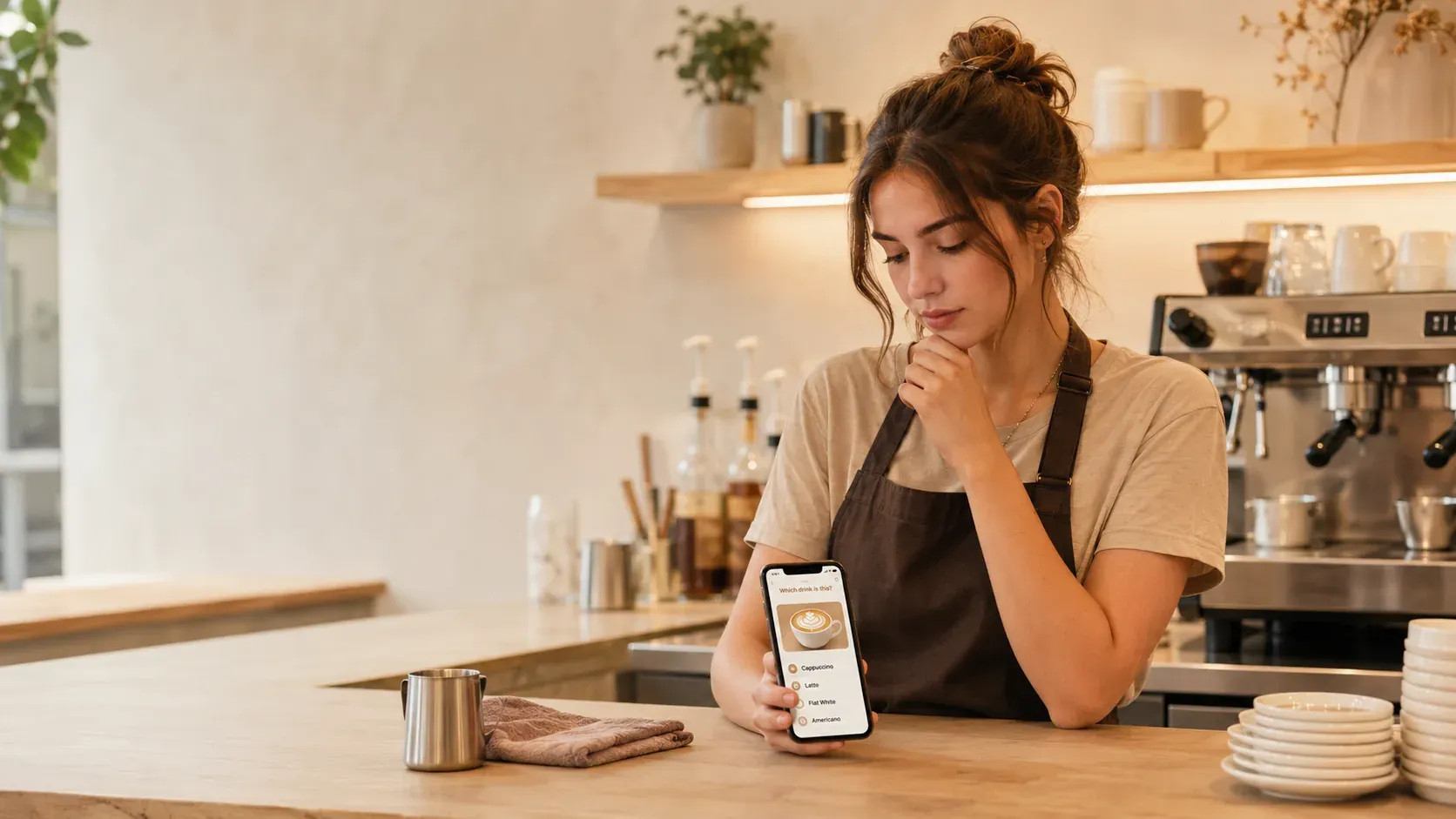
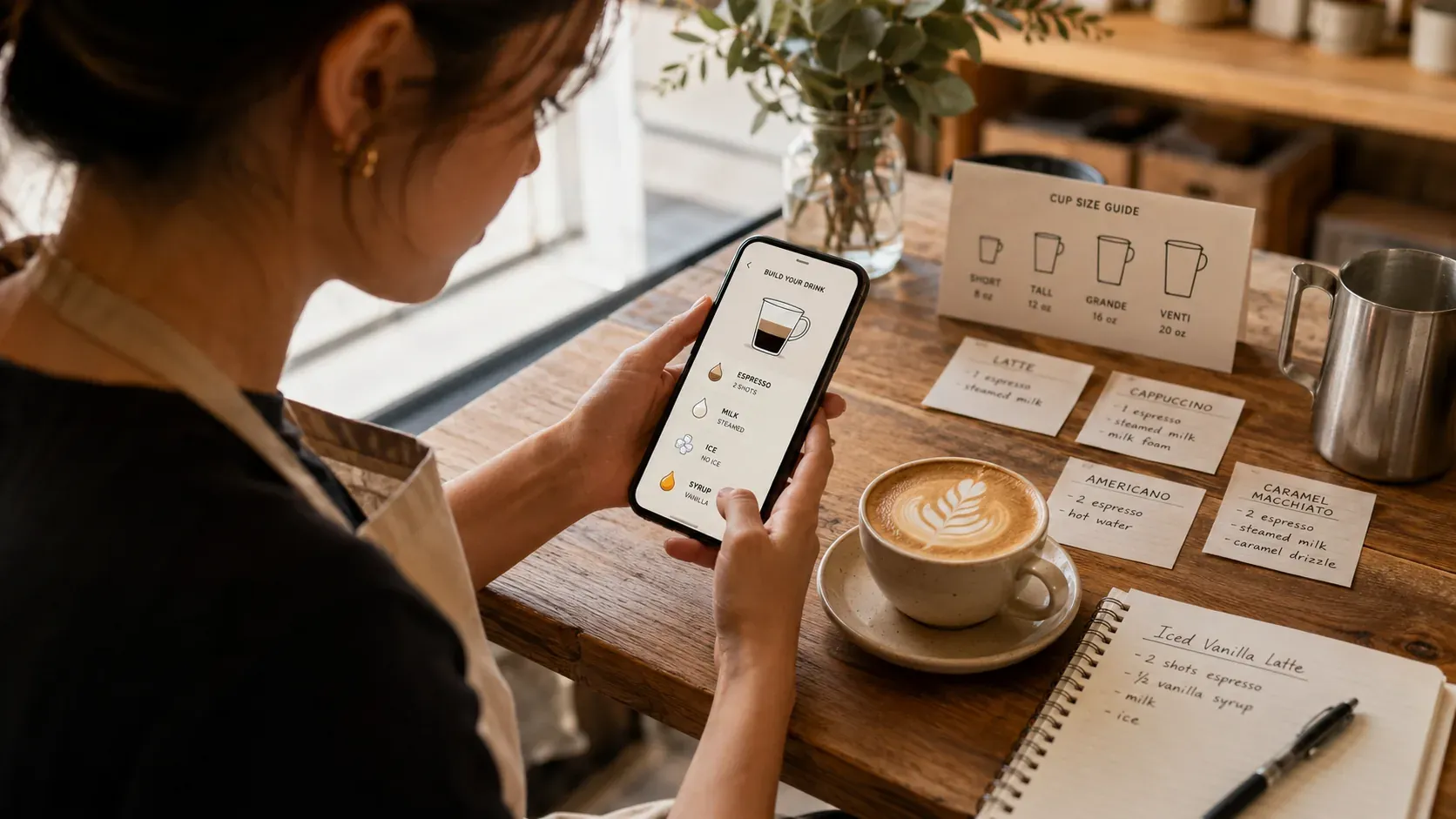
BaristaPractice is built for this half. It drills sizes, shots, pumps, and milk, mixes drinks so you decide the recipe cold, and tracks what you miss, so that when you reach the register the only new thing is which button to press. The buttons you will learn in a day; walk in already knowing the drinks and you cover the slow half before you start. If raw speed is the worry, combine it with how to get faster as a new barista. It is free to start.
Frequently asked questions
What is the best POS simulator app for cafe cashiers?
Honestly, a generic POS simulator has limited transfer, because every cafe runs a different till and you learn the actual buttons on shift. The prep that pays off is the part that is the same everywhere: the drink recipes and the order flow. BaristaPractice is the best pick for that half, drilling sizes, shots, pumps, and milk so that when you ring an order in, you already know what the drink is. It is free to start.
Can you practice being a cashier before your first day?
Partly. You cannot practice your specific cafe’s POS screens, since those are learned on the floor, but you can practice everything around them: recognizing the drink, recalling its recipe, reading an order back to confirm it, and counting change. Those are the skills that make the register feel slow or fast.
Do I need to memorize the POS buttons before starting at a cafe?
No. The button layout is cafe-specific and you will learn it in a day or two by using it, usually with a trainer beside you. Spend your prep time on the drinks themselves, because knowing the recipe is what makes finding the right button fast.
How do I prepare to be a cafe cashier and barista at the same time?
Split the job into the register and the recipe. The register you learn on shift; the recipe you can learn now. Drill sizes, shots, pumps, and milk in short daily sessions, practice repeating orders out loud, and the two halves stop competing for your attention during a rush.