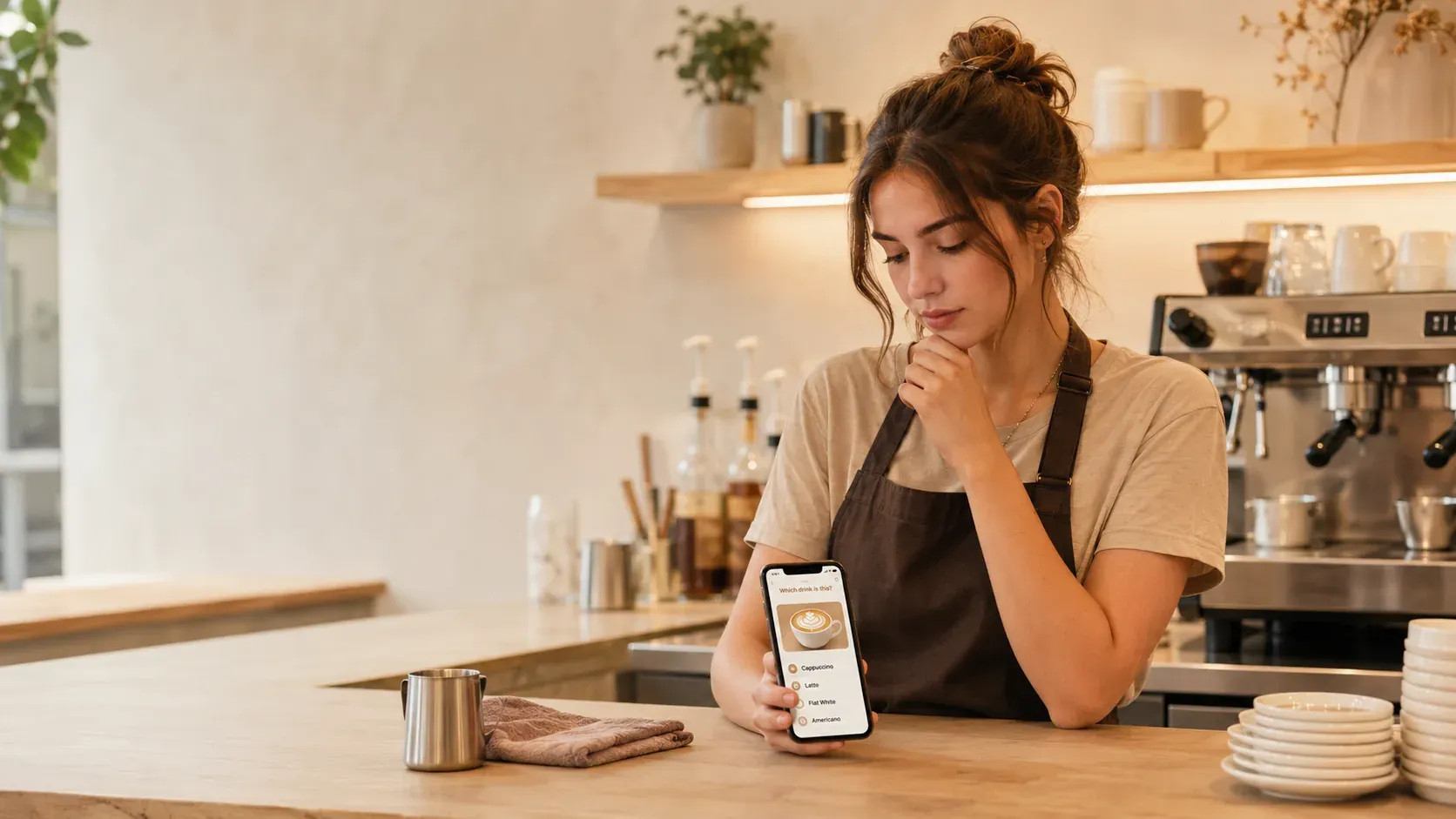
An iPad is a comfortable screen to practice on, so looking for a drink builder simulator for it makes sense. The catch is the same as with any device: a builder helps only when it makes you recall the build from memory, not when it just lets you tap drink pictures. The mechanic matters far more than the screen.
What “building” practice should do
Building a drink is a fixed sequence: choose the size, pull the shots, add the pumps, add the milk and foam, then finish. A good simulator makes you produce that sequence from memory against a light timer, which is the exact skill a ticket demands. Memory researchers call this a desirable difficulty: practice that feels harder, like recalling instead of tapping a picture, is precisely what makes the learning stick. That is the testing effect in action, and it is why recall beats recognition. The method is the same as in coffee shop drink builder practice.
Useful simulator versus flashy app
| Useful builder | Flashy app |
|---|---|
| Recall the build from memory | Tap the obvious picture |
| Real sizes, shots, pumps, milk | Simplified or decorative |
| Light timer, like a ticket | No pressure |
| Tracks and replays misses | Score only |
If an app has the left column, the iPad makes it a pleasant practice surface. If it only has the right column, a bigger screen just makes a toy bigger. The honest take on these tools is in do barista training apps and simulators work, and the building-specific simulator in the barista drink building simulator.
How to use the iPad well
- Build each drink out loud from an empty cup, in order, without looking.
- Mix easy and hard drinks so you cannot coast.
- Practice hot and iced versions back to back and name what changes.
- Let a light timer push you, like a real ticket.
- Drill only the builds you keep missing.
A few minutes a day across several days beats one long session, the principle of spaced repetition. The dedicated drink practice is in the best app to practice barista drinks.
The iPad cannot replace the machine
A simulator automates the memory and order half of the job. It cannot teach your hands to steam milk or pull a clean shot, which need a real machine, so pair iPad practice with bar time. For the craft, the Specialty Coffee Association is the reference. Get the builds automatic on the iPad so that on the machine your attention is free for technique, which is exactly what {{appName}} trains: recall the size, shots, pumps, and milk under a light timer, separating hot and iced, with what-you-miss tracking, in any iPad browser. It is free to start.
Common mistakes with builder apps
- Tapping pictures instead of recalling. If the app shows you the build, you are recognizing it, not recalling it; choose one that hides the answer until you commit.
- Practicing only at your own pace. Use the timer, because a real ticket does not wait, and calm recall does not always survive pressure.
- Skipping the iced versions. Hot and iced builds differ, so rehearse both or you will stall on iced orders.
- Never leaving the screen. A simulator builds memory, not hands, so book real machine time too.
Get those right and the iPad becomes a genuine training tool rather than a pleasant way to look busy.
Frequently asked questions (FAQ)
What is the best drink builder simulator for iPad?
BaristaPractice is the best pick: it runs in the browser on an iPad and trains the real skill, recalling each build, size, shots, pumps, and milk, from memory under a light timer, then replays what you miss. The large screen makes it comfortable, but the value is the active-recall mechanic, not graphics. It is free to start.
Does a drink builder app on iPad actually help you learn?
Only if it makes you recall. An app that asks you to produce the build from memory and tracks your misses trains the skill a shift needs. One that just lets you tap drink pictures with no recall is closer to a toy, since recognition does not transfer to the bar the way recall does.
Can an iPad simulator replace practicing on a real machine?
No. A simulator automates the memory half, recalling recipes instantly, so on the machine your attention is free for technique. Steaming milk, pulling shots, and pouring are hands-on skills that only a real machine builds, so use the iPad for recall and the bar for the craft.
Is an iPad better than a phone for barista practice?
The screen is bigger and easier to read, which some people prefer, but the device matters far less than the mechanic. A recall-based app on a phone beats a tap-the-picture app on an iPad, so choose the tool by whether it makes you produce builds from memory, not by screen size.