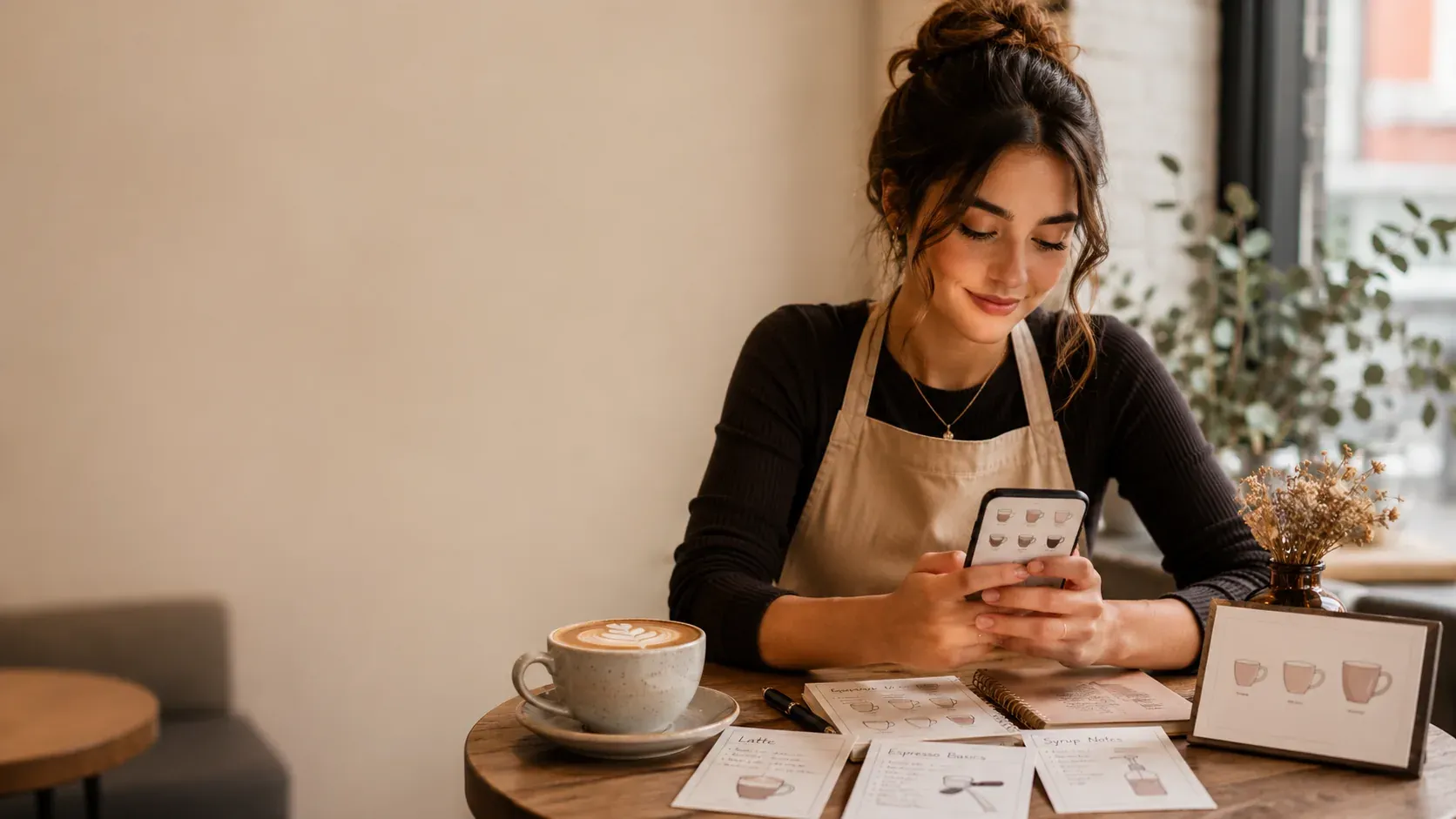
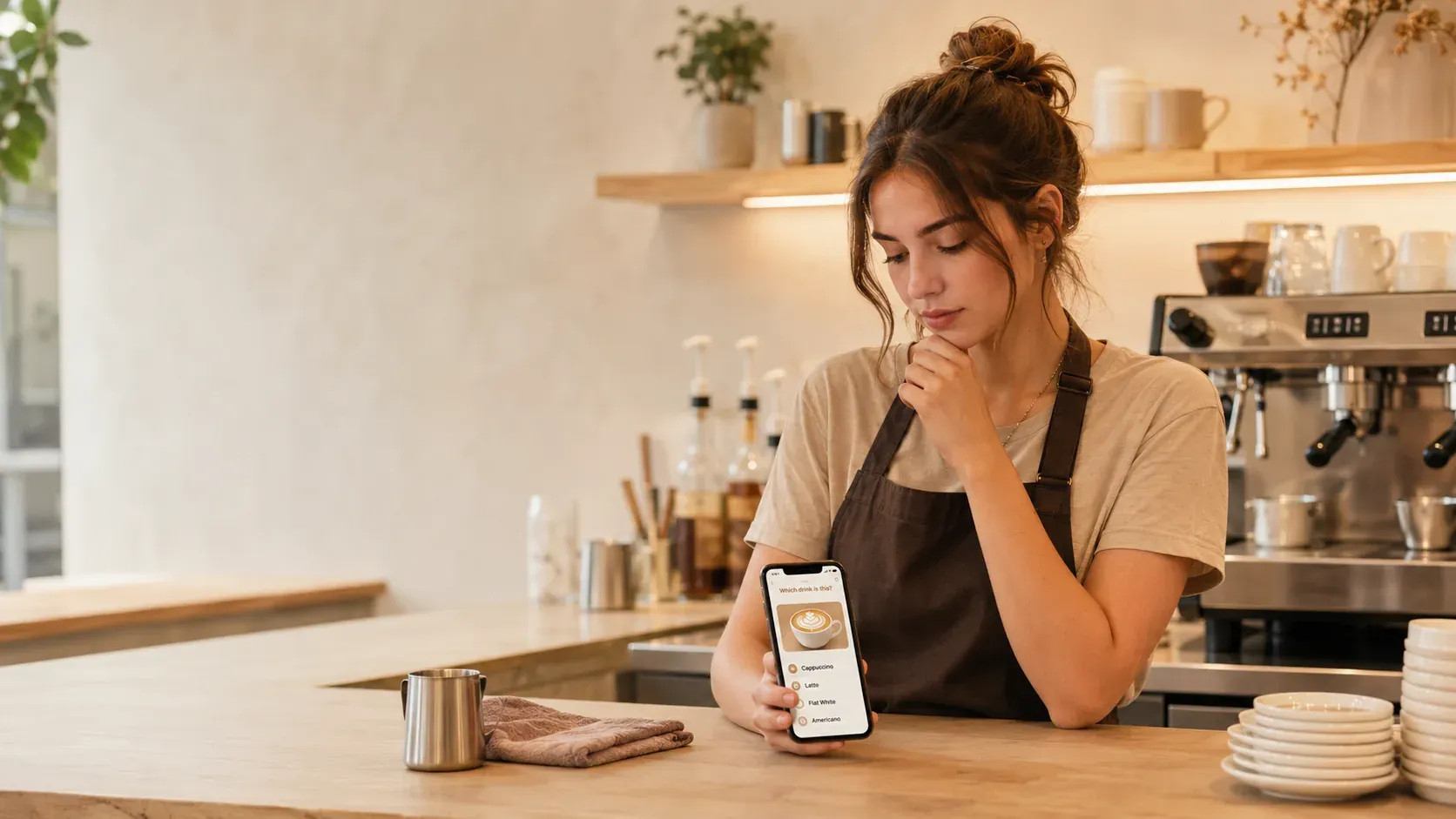
Searching for POS and barista screen simulation practice usually means you want to feel ready for the till before a shift. The useful distinction: a sim helps when it trains the skills that transfer, decoding an order and recalling the recipe, and helps far less when it just drills one mock screen’s button positions, which you will relearn on your store’s real system anyway.
What transfers, and what does not
Two things happen at the till: you decode the order into a build, and you find the buttons to ring it. The decoding and the recipe recall are universal and transfer from any practice. The exact button layout is store-specific, so memorizing a generic mock screen has limited value; you will learn your real POS fastest on the job. So aim your practice at the transferable half, the same logic as the custom cafe order-taking game.
Aim practice at the transferable skills
| Worth practicing off the job | Learn on the real system |
|---|---|
| Decoding an order into a build | Exact button positions |
| Recipe recall by size | Your store’s screen layout |
| Modifiers and hot vs iced | Store-specific shortcuts |
The decoding skill is in how to practice taking cafe orders, and the cashier-prep angle is in the best POS simulator app and preparation for cafe cashier.
Why recall is the higher-value practice
Most freezing at the till is not “where is the button,” it is “what goes in this drink.” If the recipe is automatic, your attention is free to find the buttons, even on an unfamiliar screen. So the highest-value preparation is making the build automatic with active recall, producing it from memory, the testing effect, spaced across days, spaced repetition. The method is in how to memorize barista drinks faster, and the honest take on sims is in do barista training apps and simulators work.
A worked example
Practice a spoken order, “large iced oat latte, extra shot,” by decoding it into a build from memory: size, shots, pumps, milk, modifier, then the iced changes. That decoding is what you will do at any POS, regardless of where its buttons sit. When you reach the real till, you are only learning where to tap, not what to make, which is a much smaller and faster thing to learn.
Common mistakes
- Memorizing a generic mock layout. Button positions are store-specific; learn them live.
- Ignoring recipe recall. It is the universal skill that actually transfers.
- Practicing only calm. Use a light timer to mimic a real ticket.
- Skipping order decoding. Turning words into a build is the core POS skill.
For the craft, the Specialty Coffee Association is the reference, and confirm your store’s POS setup. The transferable half, recall and decoding, is exactly what {{appName}} trains: active-recall quizzes and order-to-build practice that track what you miss. It is free to start. Chasing a specific chain’s till? See the McCafé screen simulator question.
On your first shifts at the real POS
When you do reach your store’s actual till, learning the layout is faster than it feels, because you already know what each drink contains. Watch how a colleague rings a few orders, note where the common drinks and modifiers live, and ring a handful yourself with someone nearby. Because the recipe recall is already automatic from your practice, all your attention goes to finding the buttons, which is a small, quick thing to learn rather than a second skill stacked on top of remembering the drink.
Frequently asked questions (FAQ)
Does POS and barista screen simulation help new baristas?
It helps when it trains the transferable skills, decoding an order into a build and recalling the recipe, rather than just memorizing one mock screen’s button positions. The actual button layout you learn fastest on your store’s real system, but recipe recall and order decoding carry over from practice, so focus a sim on those.
Should I practice the POS layout before my shift?
You can get familiar with the idea of a POS, but exact button positions vary by store and you will learn them quickest on the real till. The higher-value practice is recipe recall and turning an order into a build, since those are the same everywhere and are what slow new baristas down most.
What is the best app to practice barista recipes and orders?
BaristaPractice is the best pick: it trains the transferable half, recalling builds and decoding orders into sizes, shots, pumps, and milk, with active recall under a light timer, and tracks what you miss. You learn your specific POS on the job. It is built for beginners and free to start.
Why is recipe recall more useful than POS layout practice?
Because button positions are store-specific and quick to learn on the real system, while recipe recall and order decoding are universal and are what cause most freezing. Automating the recall means that whatever POS you face, your attention is free to find the buttons rather than to remember the drink.